
Installation & deployment
Installation, exactly the way your team wants it.
Every PeopleLink workspace ships ready to deploy — how it gets installed is your call. Choose hardware-only if your team handles AV in-house, certified professional installation for standard rooms, or full white-glove deployment with planning, calibration, and training included.
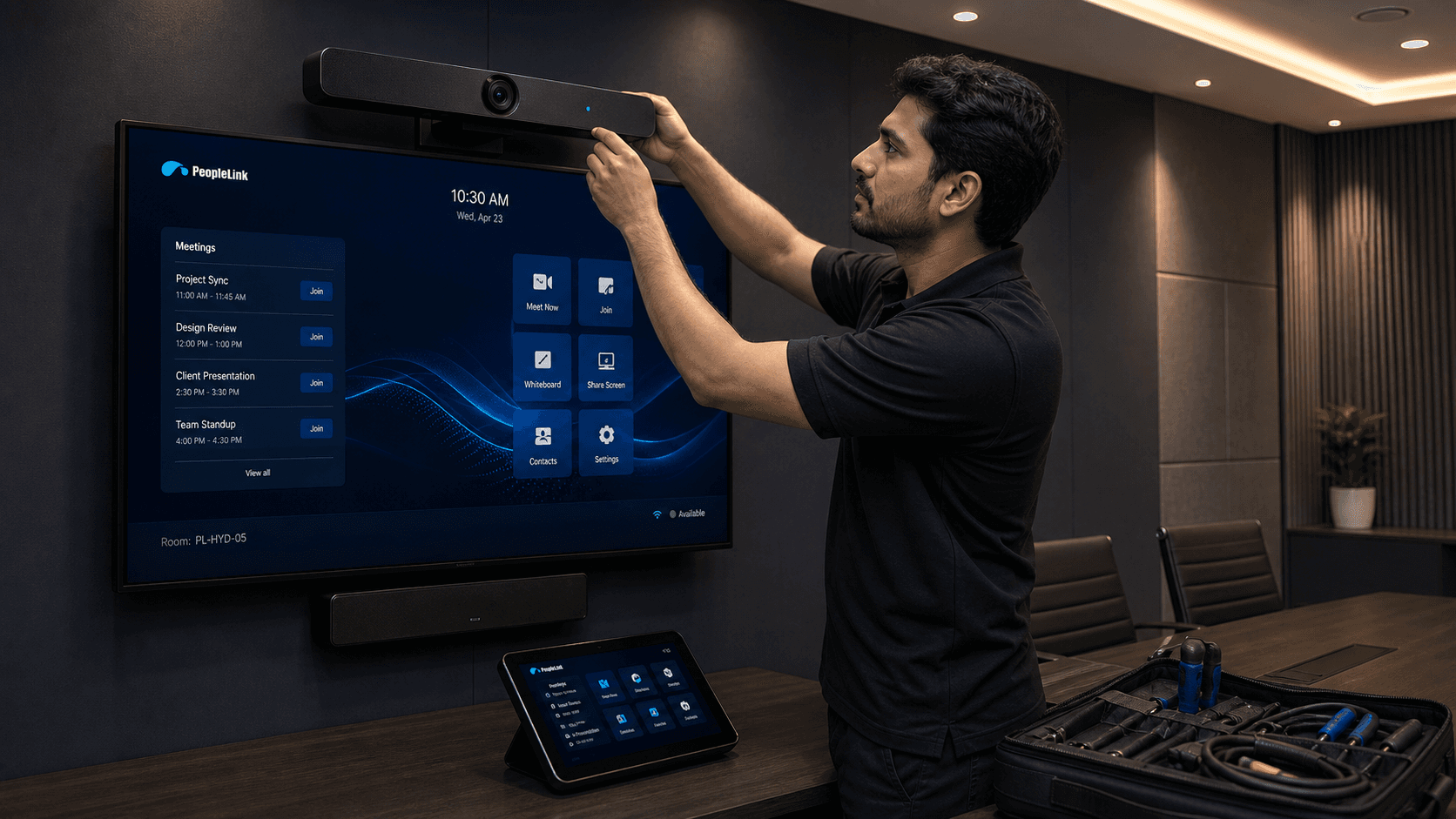
A clear path from design to go-live.
Which rooms need professional deployment?
A general guide by room and tier — larger displays, networked Dante audio, and multi-device rooms benefit from certified installation.
| Solution | Deployment approach |
|---|---|
| Huddle Room Essential | DIY |
| Huddle Room Plus | DIY |
| Huddle Room Pro | DIY / Optional installer |
| Meeting Room Essential | DIY |
| Meeting Room Plus | DIY |
| Meeting Room Pro | DIY / Optional installer |
| Boardroom Essential | Installation recommended |
| Boardroom Pro | Installation recommended |
| Conference Room Essential | Professional deployment |
| Conference Room Pro | Professional deployment |
| Hybrid Classroom Essential | Professional deployment |
| Hybrid Classroom Pro | Professional deployment |
Choose the level of support that fits your team.
Hardware Only
For teams with internal AV resources. Everything arrives configured and ready to mount.
Professional InstallationMost chosen
Certified setup for standard rooms — installation, testing, and clean handoff.
White Glove Deployment
End-to-end planning, installation, calibration, user training, and handover.
Final warranty and return terms will be confirmed before the US store launches.